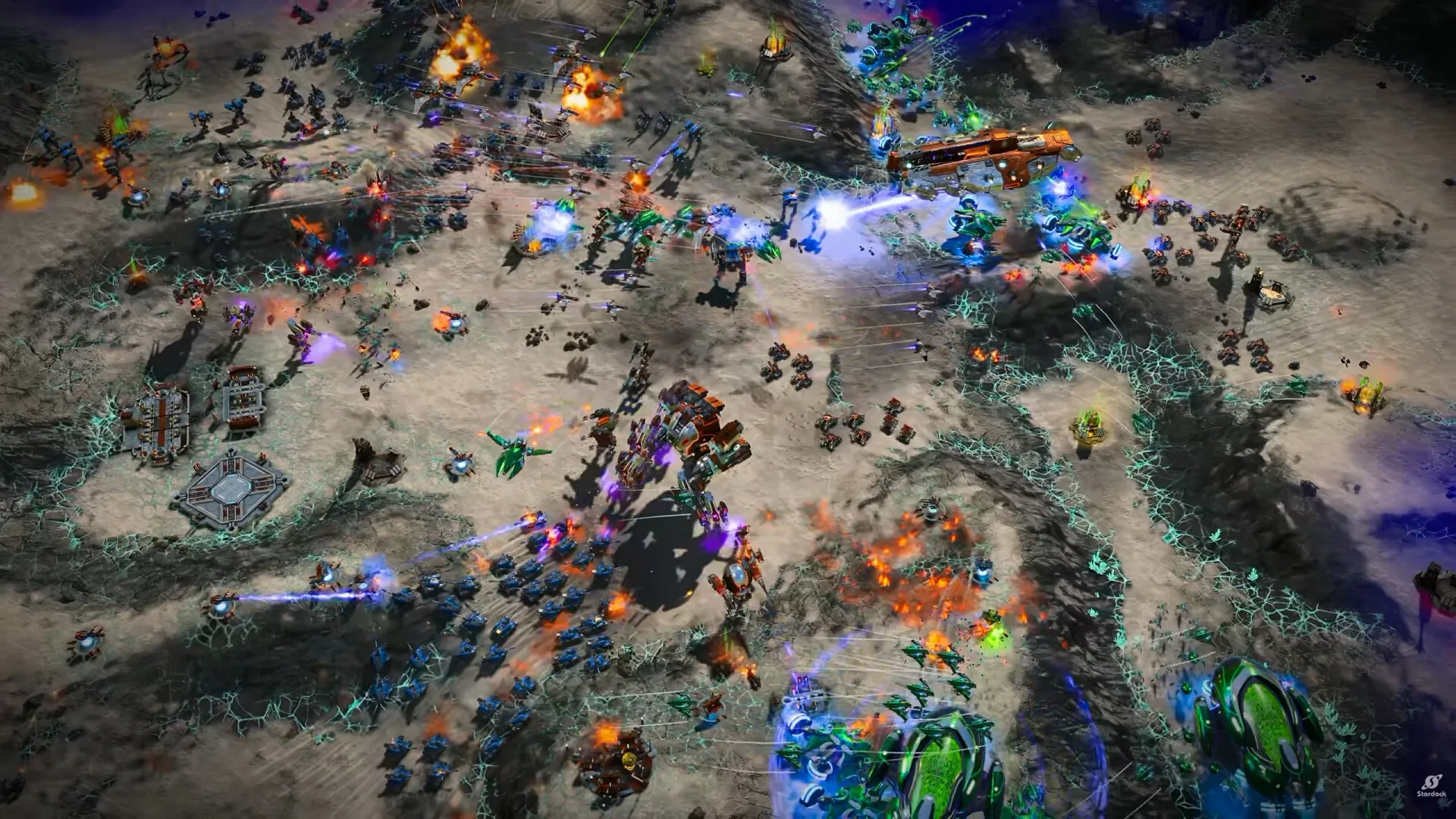
An army is the control group you select and order as one body. It keeps a formation, it can defend itself at close range, and you turn its facing before the fight.
Select the army the way you would select one unit, then give it a destination. It moves its vehicles and soldiers to a spot near that order and holds a formation that fits the ground. A match starts with a recon army. Reinforce that army, or create another. The usual split is a faster scout army and a heavier frontline army.
02
Set the front rank
Close-range damage dealers and durable units take the front line. Those durable units are the meat shields between the threat and the guns behind them. Reaper is the published frontline card: a Substrate armored hovercraft recruited from Auxiliary Assembly.
03
Place the back rank
Snipers and artillery take the back ranks. They are the less armored, longer-ranged units in the formation. Nemesis is the published sniper card: Post-Human Coalition, recruited from the Forge.
04
Set facing
Turn facing so the front rank points at the threat. That adjustment is quick. Strategic Zoom is a separate control: the camera move from orbit down to the front line, named on the store page.
FrontClose-range and durable units▸▸▸
BackSnipers and artillery▸
▸ ▸ ▸
Store battlefield crop with facing marks toward the front rank.
Building rows and the recruitment screen share one layout. Army buildings use Q, W, E, and R. Resource buildings use A, S, D, and F. Defense buildings use Z, X, and C. Basic units repeat Q, W, E, and R. Advanced units repeat A, S, D, and F. Air units run from Z and X through V.
Pause, queue, and the rally
Each unit has its own recruitment hotkey, and production can be paused or queued. The pause control is not given a published key. A new army needs a rally you place yourself. A marker shows that point and a path back to the building making the first unit.
Units in one army travel and arrive together, so a mixed body can cross a long stretch of map without an order for every vehicle. If the army meets hostiles, units may shift within constraints to help a unit under fire. You can still move units yourself when that shift is the wrong spot.
Row
Keys
Use
Army buildings
Q W E R
Army structures
Resource buildings
A S D F
Resource structures
Defense buildings
Z X C
Defense structures
Basic units
Q W E R
Basic recruitment
Advanced units
A S D F
Advanced recruitment
Air units
Z X through V
Air recruitment
Navigation graphs, traffic priority, and orbitals
Armies, units, and elements on the grid
Pathfinding runs across a three-level hierarchy: an Army is composed of Units, and each Unit is a squad made of individual Elements that take hits and fire weapons. Even a Small map contains around 150,000 navigation cells, and the A* pathfinding algorithm routes the Army across passable cells before passing movement orders down to each Unit and Element.
Tight passes and heavy unit priority
Post-demo pathfinding updates reduce unit clumping inside narrow canyon passes and choke points. Traffic control rules let larger armored vehicles and dreadnaughts shove their way through smaller friendly units when advancing or retreating through a tight corridor.
Supporting an army with orbitals
Commanders back up army pushes with active Orbital abilities. Large direct-damage orbitals deal friendly fire if dropped on allied ranks, whereas EM Blast stuns enemy tanks and Titans without harming friendly infantry and Nano Mesh Barrier places a temporary shield over friendly units in a tough fight.
Formation update: front rank, back rank, facing, recruitment hotkeys, and production queue.